
Photo to performance
Put your character in the Bulin 47 performance.
Bring a character photo and a performance clip. Seedance 2.5 uses the clip's motion and camera as a guide while changing the lead performer.
Create your video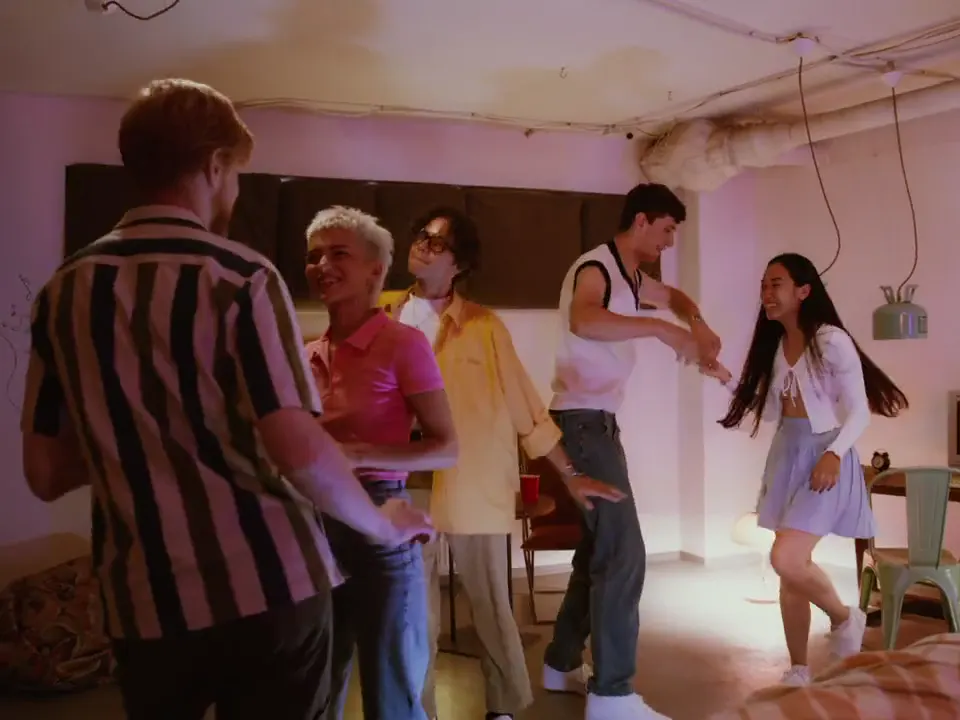
Build your version
Upload the performance video as Video 1 and your character portrait as Image 1. Review the prepared prompt, choose a duration close to your clip, then generate.
Recent Creations
No recent creations yet
Select one of the studio launchers above to create your first AI image, cinematic video, or audio track.
This independent tool does not include the original performance clip or claim affiliation with its creator. Use a clip and character image you have permission to edit. Results can change faces, hands, people in the background, and audio; review the finished video before sharing.
A clear path from photo to motion
Add the performance clip
Choose a video you may edit. The model reads its movement, timing, framing, and scene. Keep it within the model's reference length limits.
Choose the new lead
Use one sharp portrait with a visible upper body and outfit. A clear subject gives the model more detail to carry through the movement.
Generate and inspect
Check the credit estimate and submit. Open your result in Recent creations to inspect the character, motion, background, and sound.
Before you generate
Is the original Bulin 47 clip included?
No. Upload a reference video you have permission to use. The editor combines it with your character photo and a prepared replacement prompt.
What kind of photo works best?
Use a bright, sharp image of one person or a character you may use, with their face, hair, and upper body visible. Crowded or heavily filtered images are harder to follow.
Will the crowd and original sound stay exactly the same?
The prompt asks the model to preserve the scene, but AI video editing may change bystanders, props, gestures, or sound. Review the output and use your own editing workflow when exact continuity matters.