
Two photos · one performance
Put your duo in the spotlight.
Give two friends their own orange-studio performance. Upload one photo for each side, then use a prepared Seedance 2.5 prompt to create an original rap-style video.
Create your duo video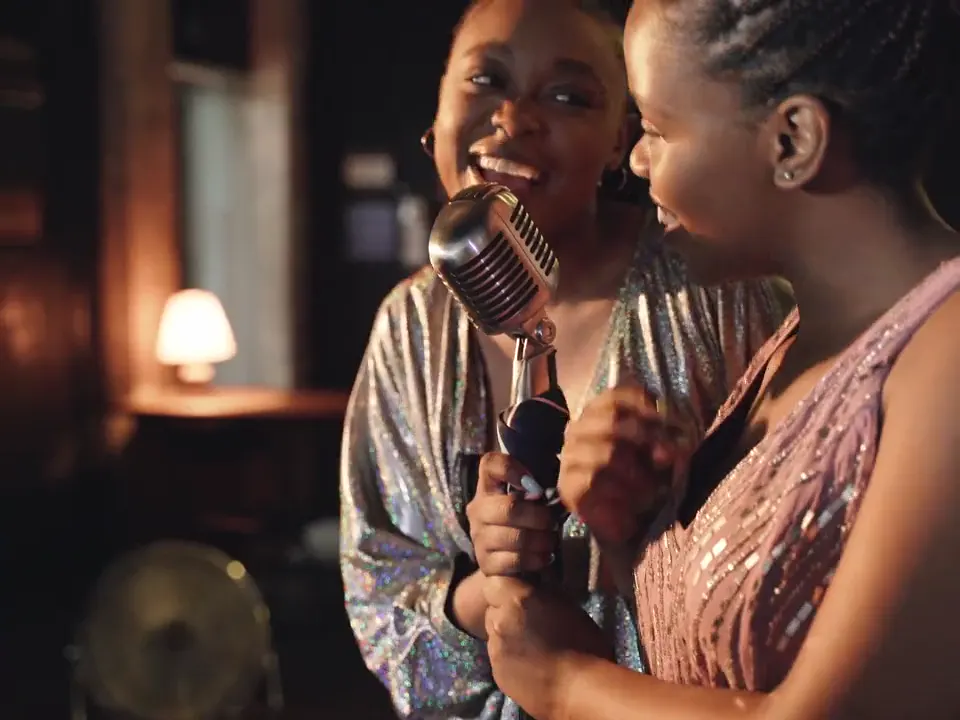
Cast the left and right performers
Upload the left subject as Image 1 and the right subject as Image 2. The prepared prompt assigns their positions, shared microphone, alternating gestures, and camera. Review the credit estimate before generating.
Recent Creations
No recent creations yet
Select one of the studio launchers above to create your first AI image, cinematic video, or audio track.
This independent tool creates a new performance; it does not include the original Hotel Lobby track, artist voices, or performance footage. Upload only portraits you may use, with each person's consent. AI results can change faces, hands, mouth motion, or audio; review the final video before sharing.
Two photos · one performance
The prepared duo prompt
Image 1 controls the left performer and Image 2 controls the right. The prompt keeps their identities and positions clear while creating an original studio scene.
Create an original vertical 9:16 rap-duo performance in a warm burnt-orange seamless studio. Use @Image1 as the left performer and @Image2 as the right performer. Keep each person recognizable: preserve their face, hair, skin tone, outfit, and natural body proportions. Place one suspended dark vintage microphone between them. The left performer starts with relaxed rhythmic gestures while the right nods along; then the right performer takes a turn and the left reacts. Keep both visible and their positions fixed. Use a steady medium-wide camera, soft cinematic studio lighting, natural expressions, separate hands and limbs, and smooth continuous motion. If audio is generated, use only an original instrumental rhythm. Do not copy an existing song, artist voice, footage, logo, or exact choreography. No extra people or text.
From two portraits to one performance
Add the left performer
Choose a clear portrait with one subject facing the camera. Upload it first so the prompt can refer to it as Image 1.
Add the right performer
Choose a second permitted portrait. Upload it next as Image 2; keep both faces visible and lighting reasonably similar.
Generate and review
The model builds an original two-person studio clip. Check identity, gestures, mic placement, and audio before publishing.
What this generator makes
Is this a hotel interior design tool?
No. Here, Hotel Lobby names the social video trend: two performers sharing a microphone in a simple orange studio. The scene is not a real hotel lobby.
Does it include the original song or music video?
No. The prompt asks for a new performance and, when audio generation is available, an original instrumental rhythm. Add any licensed soundtrack separately if needed.
Can I use one group photo instead?
This preset expects two separate uploads so Image 1 and Image 2 can be assigned to fixed sides. For a group photo or a reference clip, use the general reference-to-video workspace.