
Your photo, reimagined as a cartoon character.
Make a playful South Park-inspired avatar from a selfie or portrait. Choose a look, fine-tune the prompt, and create a profile picture or full-body character in minutes.
Create my cartoon avatarOnline image-to-image creator · Photo upload required
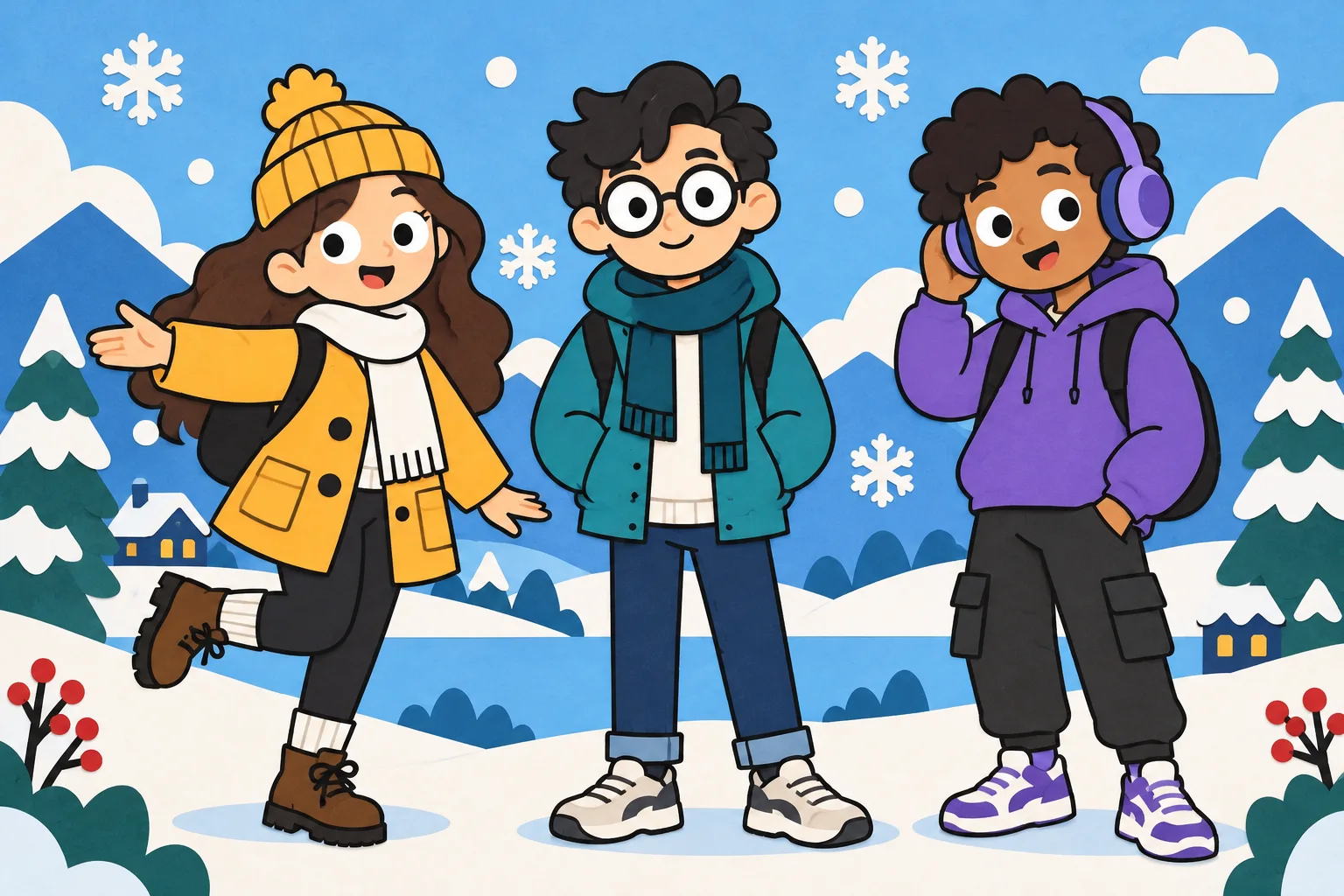
Featured look
Classic character
Winter outfitGamer avatarMake it yours
Create a character from your photo
Upload a clear JPG, PNG, or WebP portrait, choose a style below, and edit the prompt if you like. Then set the model, aspect ratio, and resolution before generating.
Upload a photo first. Generate becomes available when the upload finishes.
Recent Creations
No recent creations yet
Select one of the studio launchers above to create your first AI image, cinematic video, or audio track.
Generation uses credits shown in the editor. Use photos you have permission to edit. This is an independent fan-inspired tool and is not affiliated with South Park or its creators. AI may vary facial details and clothing; review your result before sharing.
From selfie to shareable avatar
Upload your photo
Start with a sharp selfie or portrait. Keep faces visible, especially when turning a group photo into a lineup.
Pick a style and settings
Try a full-body character, winter look, profile icon, or meme. Edit the prompt and choose the model, shape, and resolution.
Generate and download
Review the credit estimate, generate your image, and download the result from Recent Creations. Change the prompt and try again to refine it.
South Park-style avatar FAQ
What photo works best?
Use a clear, well-lit photo with the face and hairstyle visible. Avoid heavy filters and crowded backgrounds. You can upload a selfie, portrait, or group photo you may use.
Can I create a group of characters?
Yes. Upload a group photo and choose Friend group. The prompt asks the model to keep each person's recognizable features, but results may vary, especially with small or obscured faces.
Can I choose the image size and shape?
Yes. The editor offers aspect ratio and resolution settings supported by the selected model. Available choices and credit costs appear before you generate.
How do I save my cartoon avatar?
After generation finishes, open your result in Recent Creations and use the download action. You can adjust the prompt and generate another version at any time.