
Little moves, big smiles
Bring a baby or doll image to life.
Create a cheerful mini dance from a photo or illustrated doll. A gentle prompt guides small side steps, claps, and a smile while keeping the character recognizable.
Make a baby dance video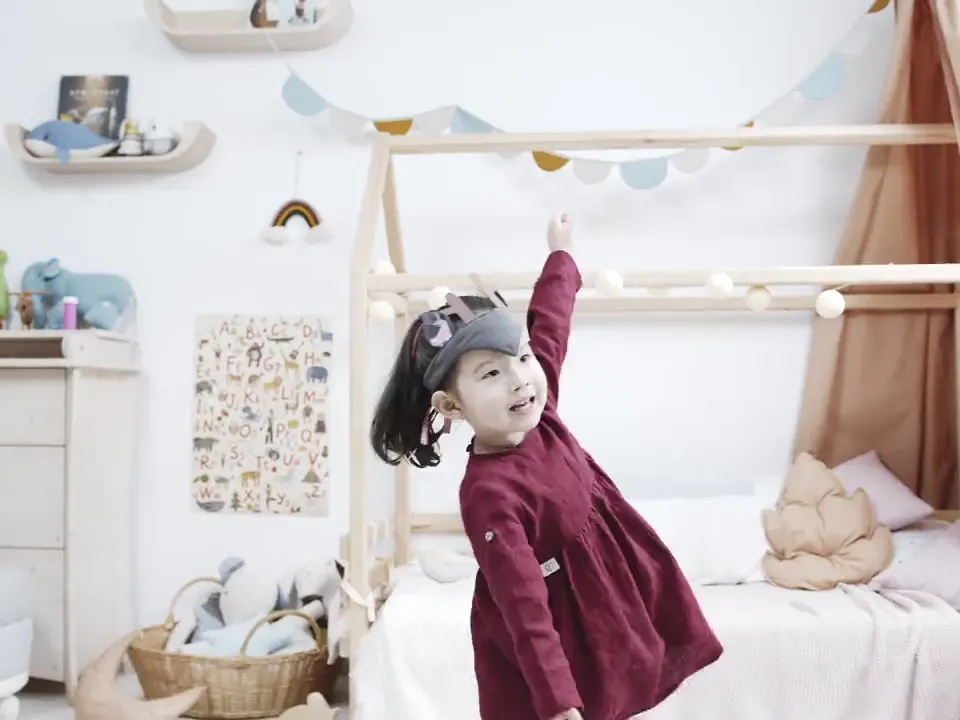
Give your character a gentle groove
Upload one clear baby photo or doll illustration. Review the prefilled motion prompt, choose your settings, and generate with Seedance 2.5.
Recent Creations
No recent creations yet
Select one of the studio launchers above to create your first AI image, cinematic video, or audio track.
Use images you have permission to edit, and obtain a parent or guardian's permission for a real child's photo. Generated movement may look unnatural; inspect the video before sharing. This tool does not include a trending song.
Little moves, big smiles
A prompt built for small, natural moves
Simple steps and claps help the model keep proportions and feet stable. Copy the prompt or refine it in the generator.
Use the uploaded image as the first frame and character reference. Animate the baby or doll character with gentle, age-appropriate movement: two small side steps, a soft knee bounce, two cheerful hand claps, and a brief smile toward the camera. Keep the face, hairstyle, clothing, proportions, and visual style of the input consistent; retain a realistic look for a photo and a toy-like look for an illustrated doll. Show the full body in a safe, tidy playroom, with a stable vertical 9:16 camera and soft daylight. Make the motion smooth and physically plausible. No adult dance moves, extra people, unsafe props, text, logos, or recognizable song audio.
Make a sweet, shareable clip
Start with a clear image
Use one subject with a visible face, outfit, and feet. A toy-like illustration stays stylized; a photo stays realistic.
Keep movement age-appropriate
The prepared prompt asks for tiny side steps, light bouncing, and hand claps rather than exaggerated adult choreography.
Check the finished video
Inspect the character, hands, feet, and scene. Share only a result you are comfortable publishing.
Good to know
Can I use a real baby's photo?
Yes, if you have permission to edit it and the parent or guardian approves its use. An original illustrated doll also works.
Is a viral song included?
No. This creates the video. Add audio you have rights to use in a separate editor if you want music.
Will the dance look exactly like a reference clip?
This page uses a text prompt and an image, so the movement varies. For closer motion matching, use the reference-to-video tool with a permitted clip.