
Portrait to two-step
Make your own Babydoll dance video.
Turn a photo of two adults into a playful two-step duet with Seedance 2.5. Start with a carefully written motion prompt, then shape the result into your own short-form edit.
Create a dance video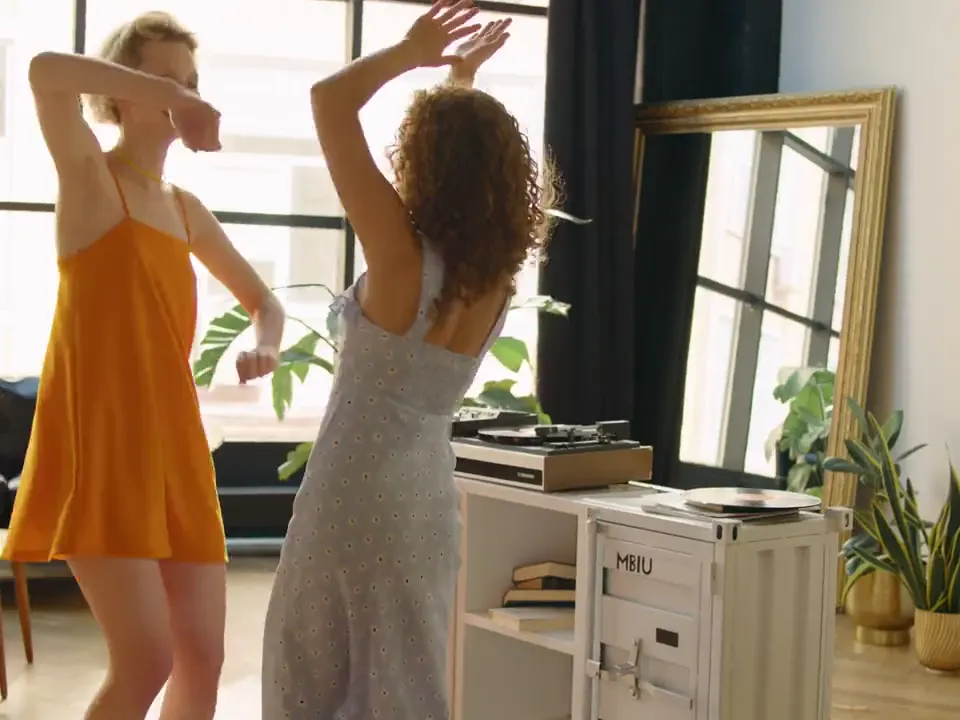
Your photo becomes the performance
Upload a clear photo of two adults standing side by side, with both full bodies visible. The editor is prefilled with a four-count duet prompt; adjust it, choose your video settings, and generate.
Recent Creations
No recent creations yet
Select one of the studio launchers above to create your first AI image, cinematic video, or audio track.
Inspired by the social Babydoll dance trend; this independent tool is not affiliated with Jamie Miller. The song and original choreography footage are not supplied. Add music you are licensed to use in your own editor after export. AI motion can vary, so review the result before sharing.
Portrait to two-step
The ready-to-use dance prompt
The prompt spells out the steps, camera, and identity details. Copy it for another workflow or edit it directly in the generator above.
Use the uploaded photo as the first frame and identity reference. Animate the two adults standing side by side in a relaxed, playful four-count pop-dance duet. Together, step right and tap the left foot, step left and tap the right foot, add a gentle shoulder bounce and small alternating hand gestures, exchange a quick glance, then face the camera with natural smiles. Repeat the phrase smoothly while keeping both people in sync. Preserve each person's face, hair, outfit, body proportions, and their spacing; keep hands and limbs separate. Full-body framing in a vertical 9:16 composition, one continuous stable shot, natural foot contact and fabric motion. No extra people, abrupt cuts, text, logos, or recognizable song audio.
A short path from photo to duet
Choose a clear two-person photo
Use a photo you may edit, with two adults side by side, both visible from head to toe and their feet unobstructed.
Keep the motion simple
The prompt uses side steps, taps, shoulder movement, and small hand gestures so the model can keep the body stable.
Finish the edit
Inspect the face and footwork, trim the best take, and add a song only if you have the needed rights.
Before you make your version
Does the video include the Babydoll song?
No. The tool creates the visual dance clip. Add music separately using audio you are permitted to use.
Will it copy the exact viral choreography?
A text prompt guides a similar relaxed two-step, but it cannot guarantee frame-by-frame choreography. For precise movement, use the reference-to-video workspace with a clip you may edit.
Which photo gives the best result?
A sharp two-person photo with both full bodies visible makes facial identity, clothing, spacing, and foot placement easier to preserve.